Turn Instagram discoveries into places on your map.
A restaurant reel looks perfect for your next trip. Then it disappears into a folder of saved posts. Share the post to Maptera to turn that inspiration into a place you can find on a map.
From a saved post to a saved place
Illustrated workflow
- 1. Find a place in a post
- 2. Share it to Maptera
- 3. Check the match and save
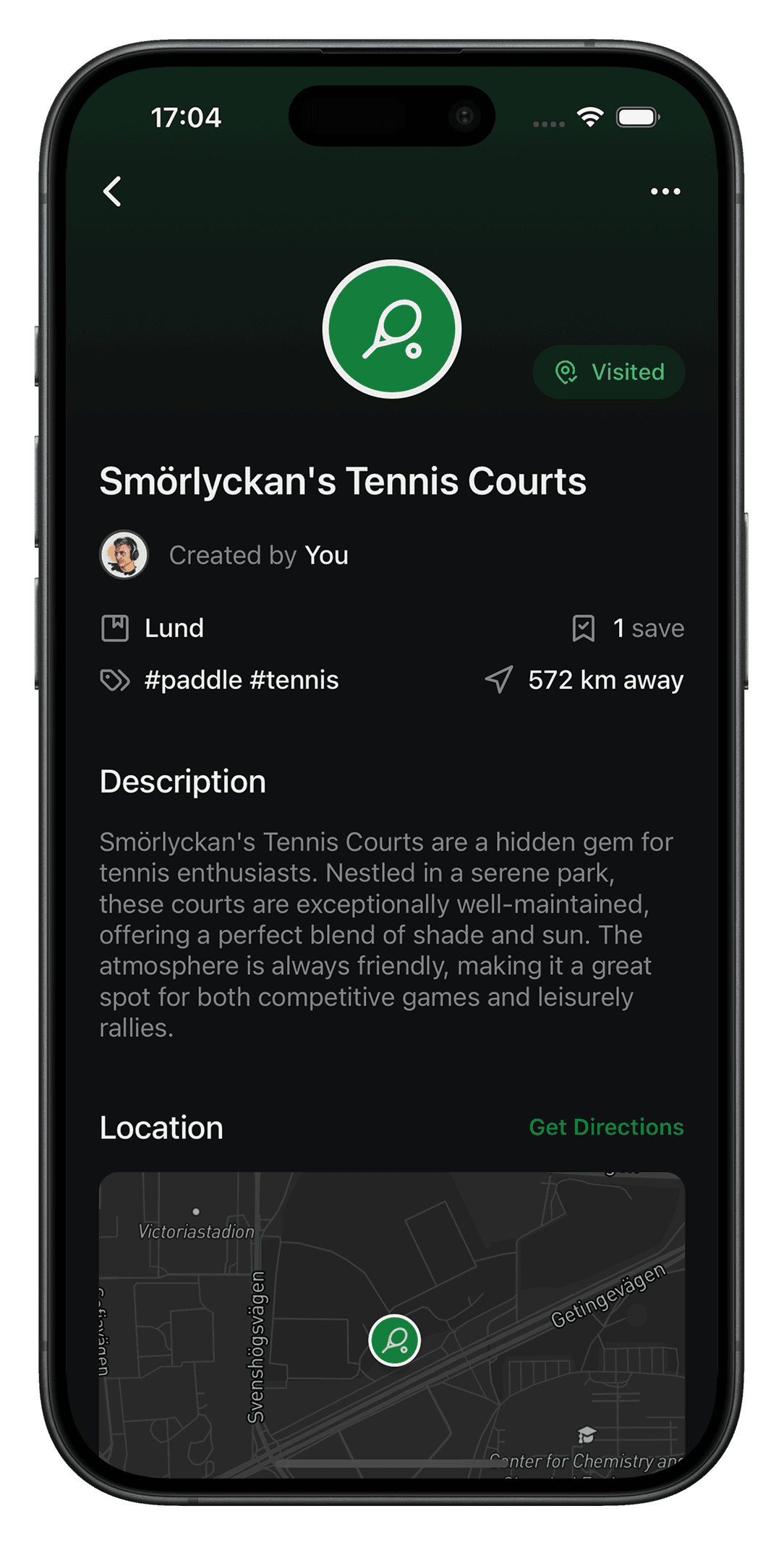
Share a post with a place you want to visit
In Instagram, open the post’s sharing options and choose Maptera from your phone’s share sheet. You may need to open the system sharing menu or its More option to find Maptera. You can also share a place link from your browser or a message.
Check the suggested location
Maptera looks for a place in the shared content. Check the venue name and map location before saving, especially when a post mentions several places or a business has multiple branches. Add a note about what caught your eye.
Give it a home in a collection
Save the pin and add it to a collection for your trip, neighborhood or weekend plans. When you are nearby, open your map to find the place again instead of searching through saved posts.
Some posts do not contain enough information to identify a venue. Location suggestions can be wrong. If no useful match appears, search for the place in Maptera and create the pin yourself.
Good to know
- Does this import all of my saved Instagram posts?
- No. You choose an individual post or link to share. Maptera does not automatically turn your entire Instagram saved folder into a map.
- What if Maptera is missing from the share sheet?
- Make sure Maptera is installed and check the More options in your phone’s system share sheet. Sharing menus can differ by phone and Instagram version.
- Can I save recommendations from friends too?
- Yes. Share a supported place link from a message or your browser, or search for the venue in Maptera and save it with a note.