Keep your favorite places together. Share the discoveries.
A weekend in Lisbon, coffee near home, or viewpoints for your next road trip: a collection gives related places a home. Keep the context with your pins so the map still makes sense when you come back to it.
A collection starts with one good place
Illustrated workflow
- 1. Find and save a place
- 2. Add it to a collection
- 3. Share the collection link
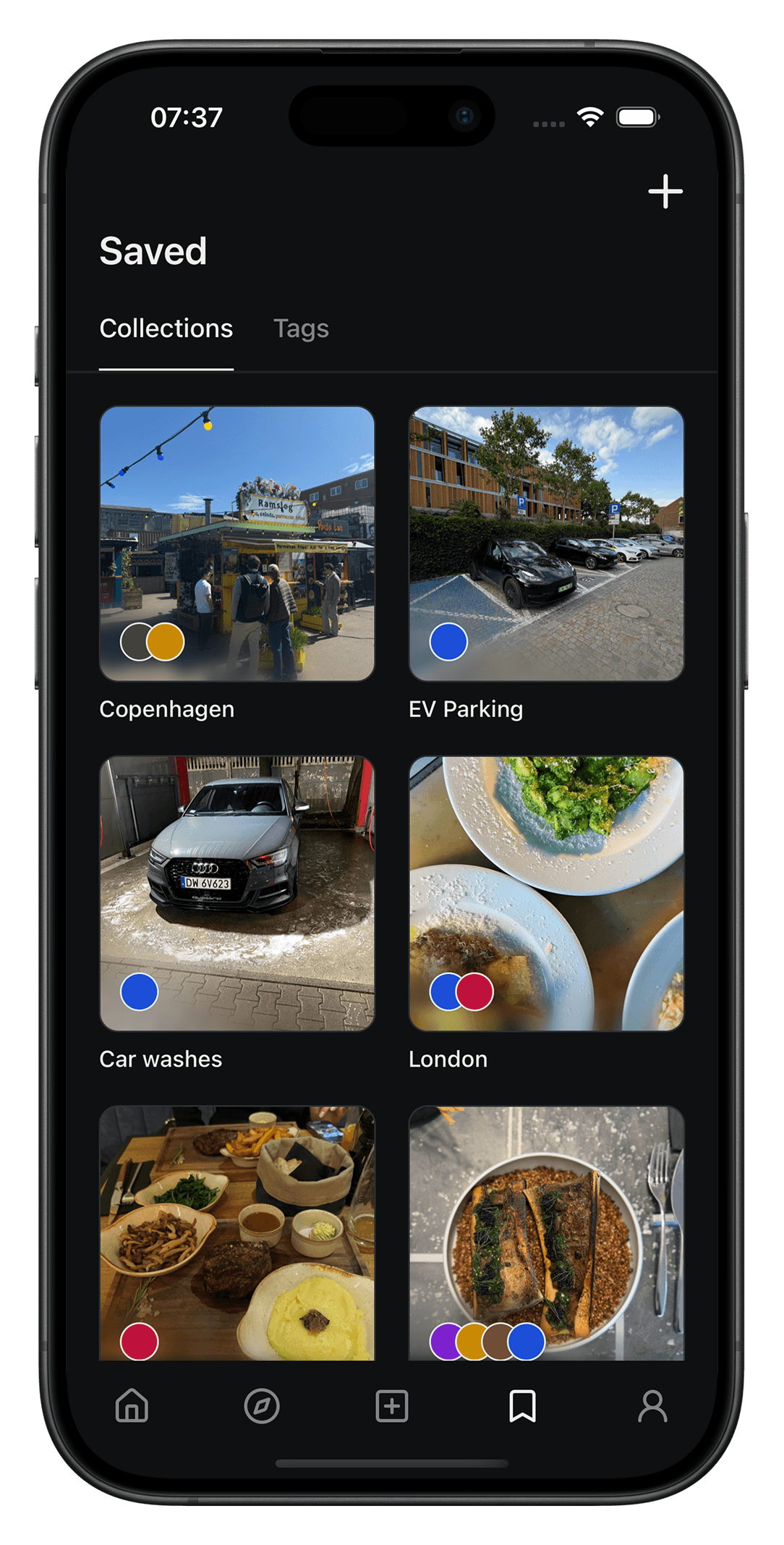
Start with a place worth remembering
Search for a place in Maptera or share a supported place link to the app. Save it as a pin. Add a note or photo to remember the dish you wanted to try, who recommended it, or why you want to go.
Build a collection around your plans
Create a collection and add related saved places. Choose a name that will mean something later, such as Lisbon weekend or Coffee near home. Use collections to keep different trips and interests easy to find.
Share your recommendations
Use the collection’s sharing options to send its link to a friend. Shared content opens in Maptera; a recipient may need to install the app to explore it. Review the collection and its visibility before sharing.
A collection organizes places. It is not a timed itinerary or a turn-by-turn route. Check opening hours, reservations and travel directions with the venue or your navigation app before setting out.
Good to know
- Are collections only for travel?
- No. Use them for everyday favorites too: neighborhood restaurants, places to take visitors, or ideas for a free afternoon.
- Does a friend need the app?
- The current sharing experience directs recipients to Maptera to explore the shared content. Include a little context in your message so they know what you are sending.
- Should I check visibility before sharing?
- Yes. Review the visibility settings on your saved content and avoid putting sensitive personal information in public notes or pins.